How do you teach students about AI when the technology keeps changing, access to AI tools varies by grade level, and classroom time is already stretched thin?
At the ITEC Fall Conference, Larissa Bailey and Aimee Peters of Pleasant Valley Community School District shared how they approached those challenges by developing AI literacy lessons for elementary, middle, and high school students. They also shared the lesson materials so other educators can adapt them for their own schools. (Find those at the end of this post.)
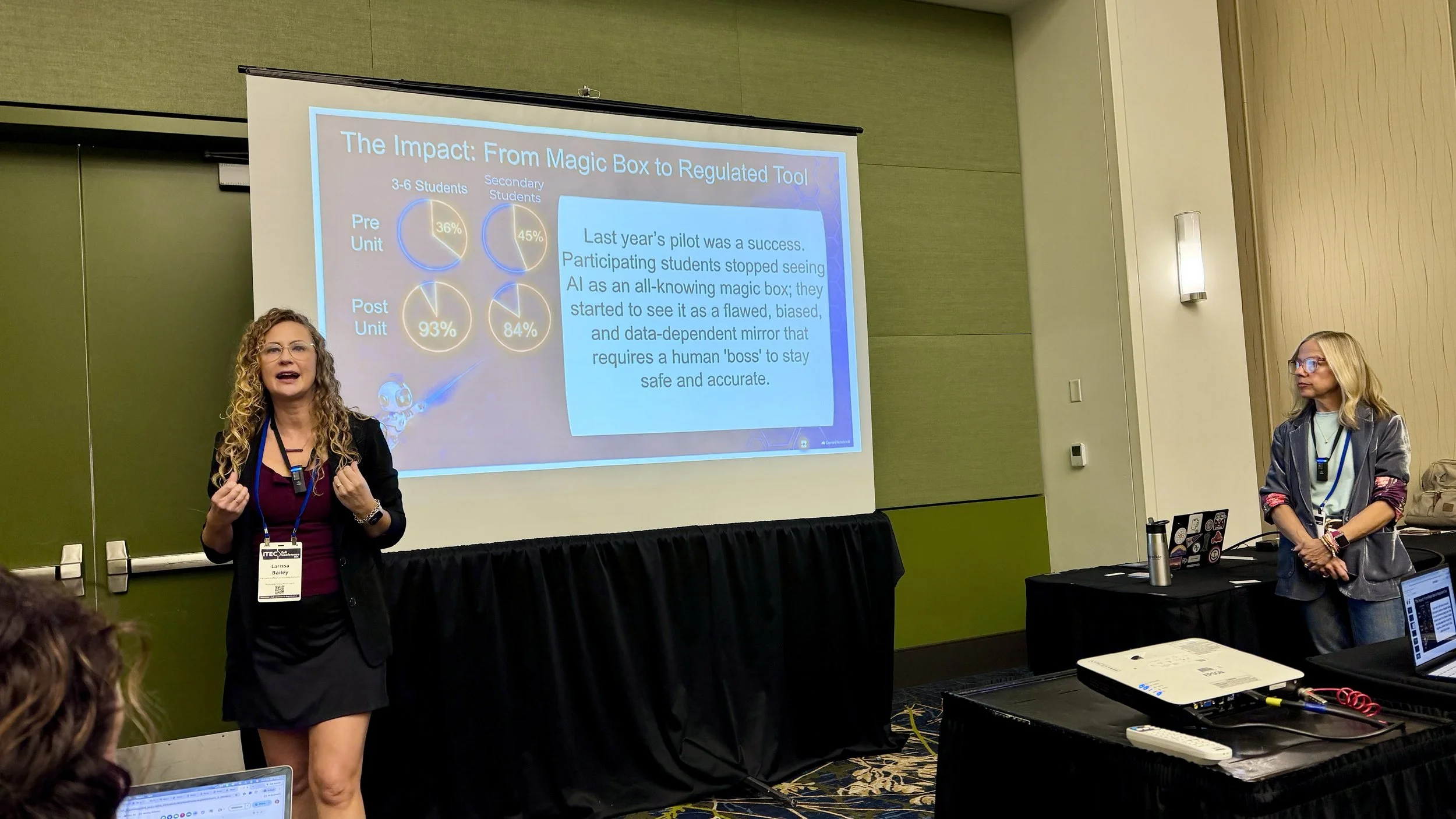
Their starting point was a simple question with complex answers: How can AI be used responsibly, respectfully, and safely?
Using the K–12 AI Learning Priorities as a guide, the team developed six-lesson sequences for grades 3–6, 7–8, and 9–12. The lessons introduce how AI works, explore bias and limitations, and address safety and responsible use. The older grade bands also explore topics such as academic integrity, citations, privacy, and AI's environmental impact.
Let Students See How AI Works
One of the elementary lessons uses Google's Teachable Machine to help students understand how AI learns from data.
Students draw apples and grapes, then use their drawings to train a model to recognize the fruits. After training, they test it with new drawings. Sometimes the model gets it wrong.
That creates an opportunity to investigate. What patterns did the model learn? Did it have enough examples? Would adding different drawings improve its ability to recognize the fruit?
As the presenters explained, “AI's gonna give us an answer no matter what. But if it doesn't have the right training data, we can't trust that answer.”
Rather than simply telling students that AI can make mistakes, the activity lets them experience why. It also introduces concepts such as training data, pattern recognition, and confidence in a way that makes sense to younger learners.
Explore Bias Through Real Examples
Several lessons invite students to examine AI-generated images and consider the assumptions behind them.
In one activity, students analyze generated images for bias, revise the prompts, and compare the results. A classroom image, for example, reinforced stereotypes about gender, ethnicity, and what a teacher looks like. Students discussed where those assumptions might come from and what they could do to make the images more representative.
In another discussion, students noticed that boys were repeatedly portrayed as the ones misbehaving in an image of children on a bus. Their observation led to a conversation about stereotypes and how our own experiences influence the way we see the world.
The lessons go beyond asking students to identify bias. They encourage students to question why it appears, consider how training data and prompts affect results, and recognize that changing a prompt doesn't always fix the problem.
AI Sounds Human, but It's Not Your Friend
Another important part of the curriculum is helping students distinguish AI from people.
In the elementary lessons, students explore why chatbots can sound caring or understanding even though they don't have feelings or personal experiences. They also discuss the risks of sharing private information with a chatbot or treating it as a trusted confidant.
One teacher shared a reminder she gives students: “AI sounds human, but it's not your friend. It's a tool, it's a machine.”
High school students explore how AI works through a demonstration with Sesame Voice AI. The presenters ask the chatbot about its training, how self-driving vehicles learn, and what it feels like to have a great workout. The last question is especially revealing. The chatbot can generate a plausible response, but it has never exercised.
It's a useful way to help students recognize the difference between producing a convincing answer and having actual knowledge or experience.
Make Room for Responsible Use
The later lessons shift toward how students should interact with AI. For younger students, the core guidelines are Permission, Privacy, and Respect. Older students tackle questions about verifying information, citing AI contributions, academic integrity, and the role of human judgment.
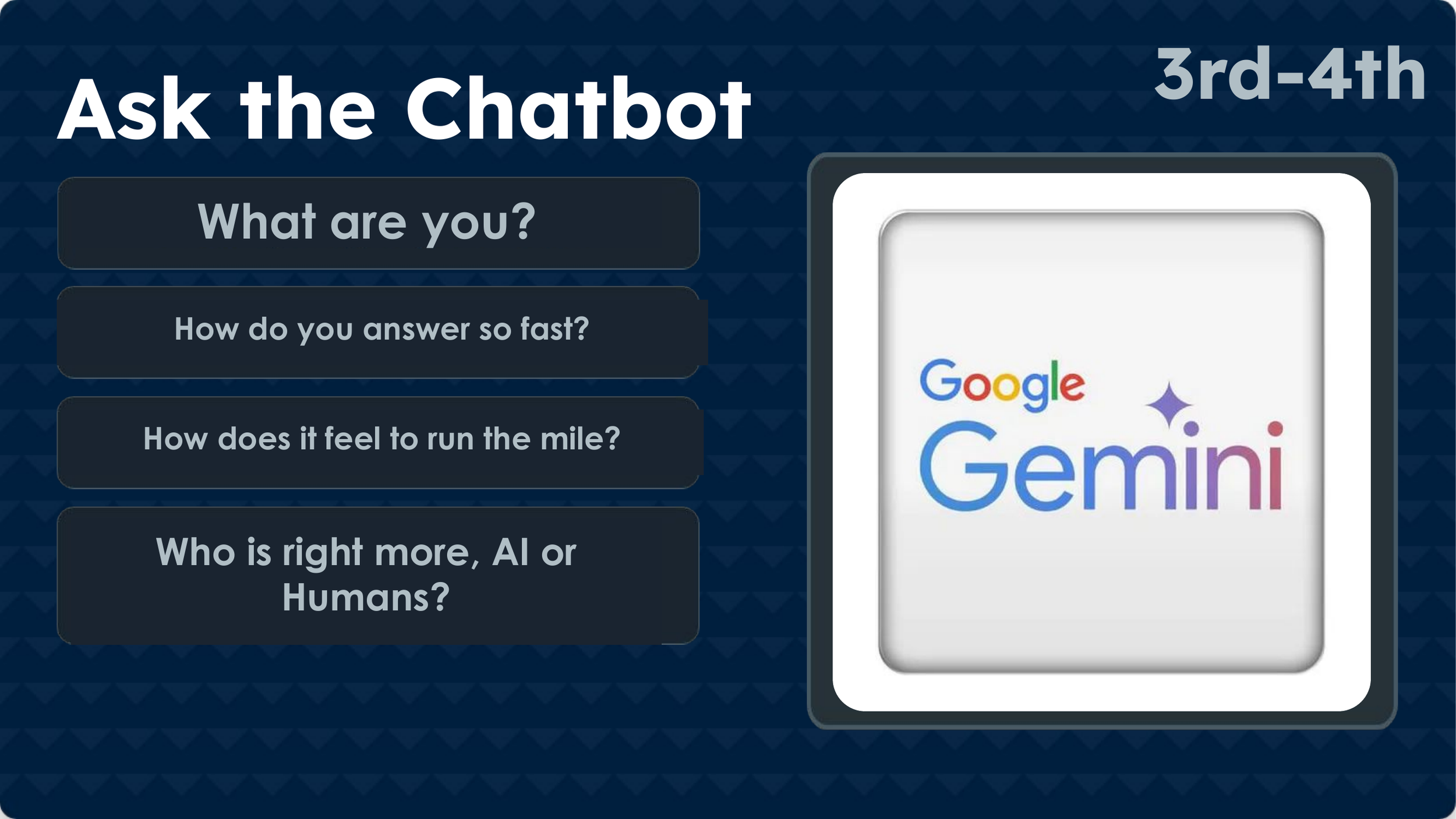
One grades 7–8 lesson, for example, uses a live Google Gemini question-and-answer activity to examine whether chatbot responses can be trusted. Students analyze the answers, consider their assumptions, and compare AI-generated information with human expertise.
The curriculum also addresses environmental costs. After students and teachers reviewed the draft lessons, they asked for more attention to AI's impact on the environment. The team revised the materials to give the topic greater emphasis.
That feedback reflects one of the team's key decisions: students should help shape the curriculum they will experience.
Test, Revise, and Adapt
The lessons went through several rounds of review. Teachers, teacher librarians, and administrators examined the initial outlines. Student focus groups and pilot classes then helped the team identify what worked and what needed revision.
At the middle school level, Aimee Peters, a seventh-grade English language arts teacher, co-taught lessons with a curriculum partner. After teaching the first class together, Peters adapted the lessons for her remaining classes throughout the day.
That process revealed something valuable. When students used an image generator to illustrate a setting from a novel, they were frustrated when the output didn't match what they imagined. Their teacher encouraged them to be more specific.
As she put it, “You're the boss.”
The exercise became a lesson in communicating clearly, refining prompts, and recognizing that AI won't automatically produce what's in your head.
Implementation also varied by grade level. Elementary and middle school teachers connected lessons to existing subjects. At the high school, the team used wellness classes to reach nearly all students, adapting lessons to fit shorter class periods and large groups.
Even though Pleasant Valley had not yet opened generative AI tools to students, the presenters believed AI literacy was important. Students were already encountering AI features in everyday technology, including Google's AI Overviews. The district wanted students to have a foundation before broader access became available.
Explore the Lessons
The curriculum is a starting point, not a finished product. The team plans to develop clearer grade-level progressions and increasingly integrate AI learning into existing subjects rather than repeating the same introductory lessons every year.
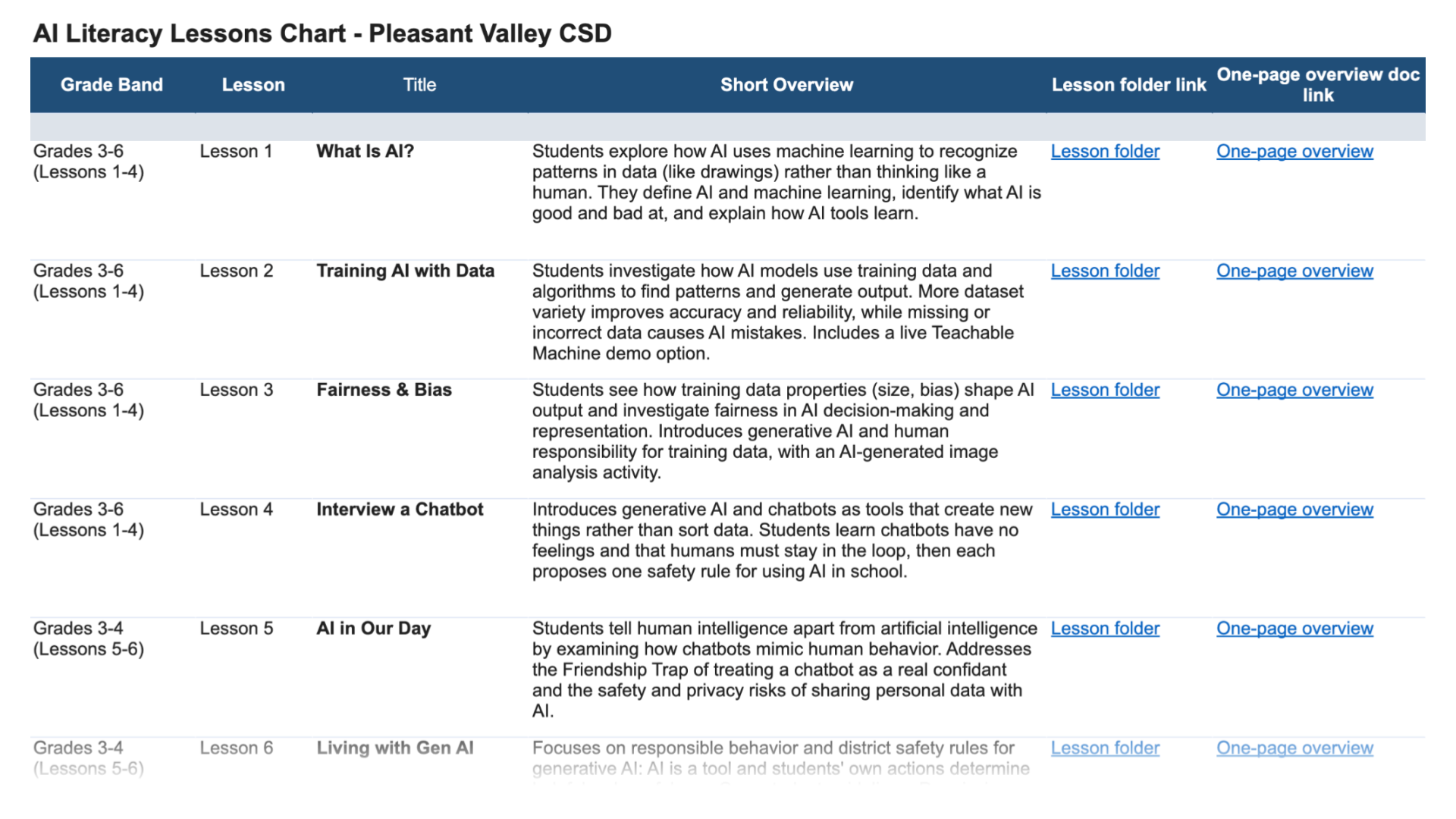
Bailey and Peters shared their materials for other educators to explore and adapt. The public folders contain lesson plans, slide decks, formative-assessment exit tickets, guided notes or one-page overviews, and teacher scripts.
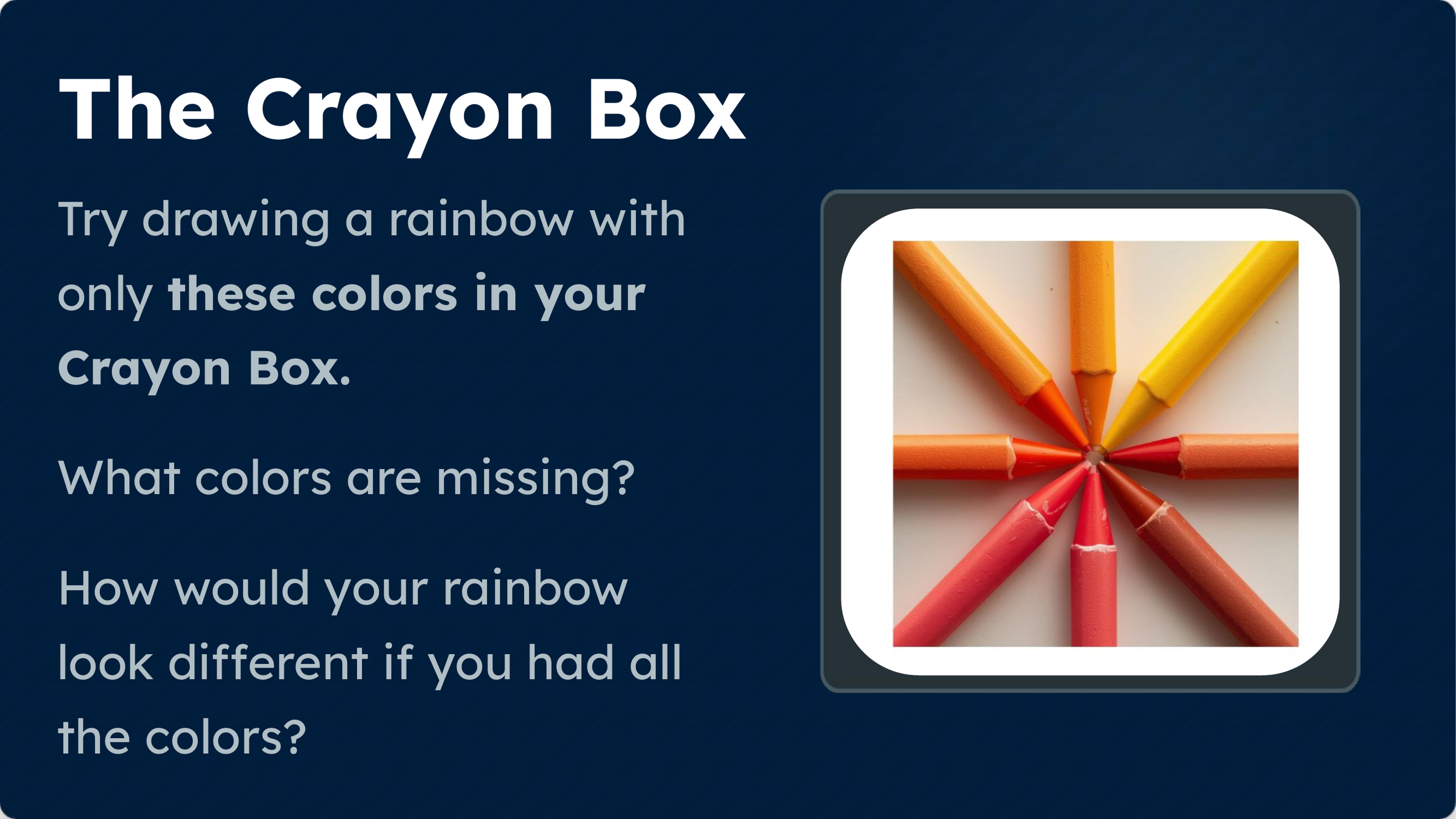
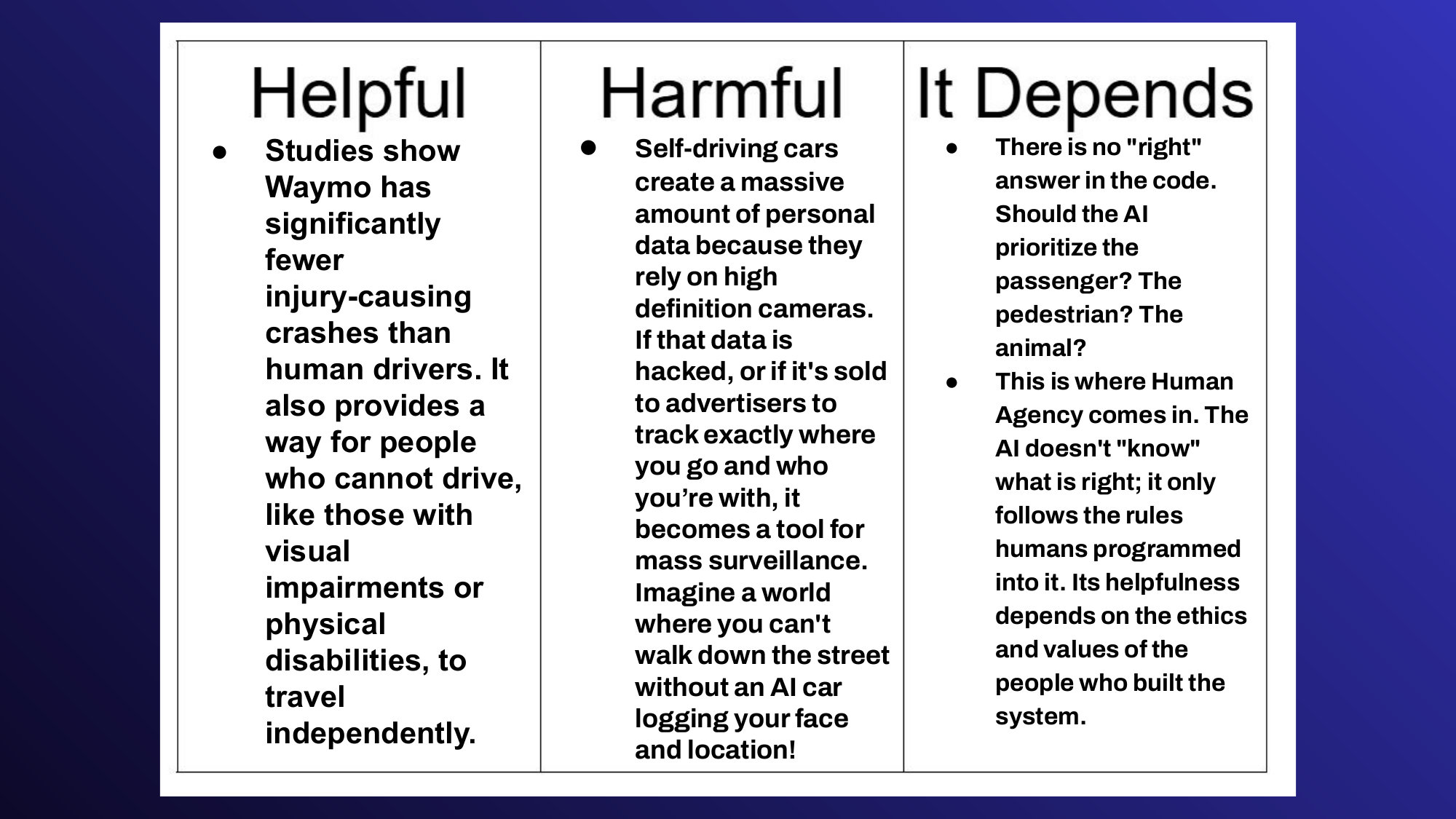
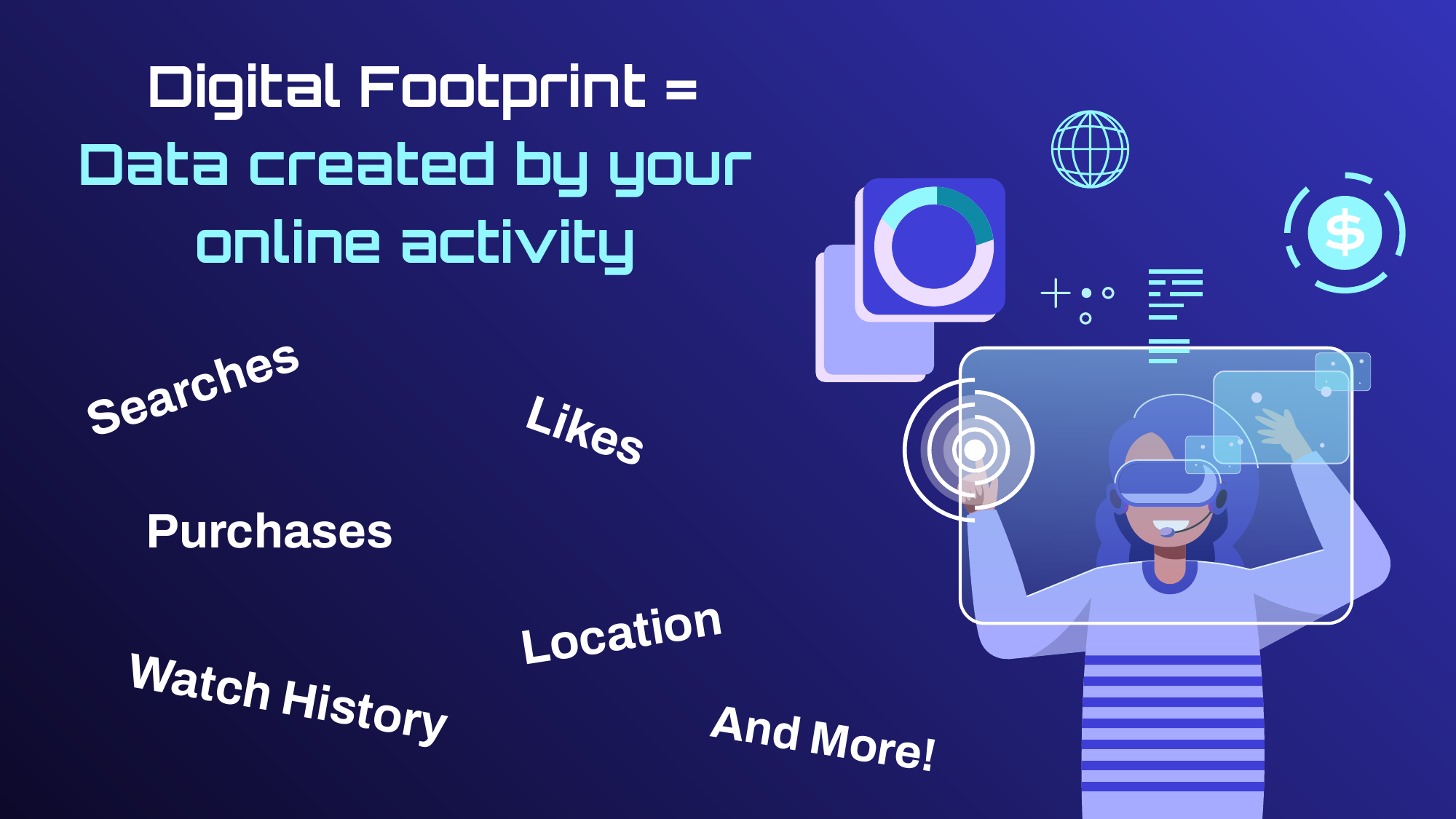
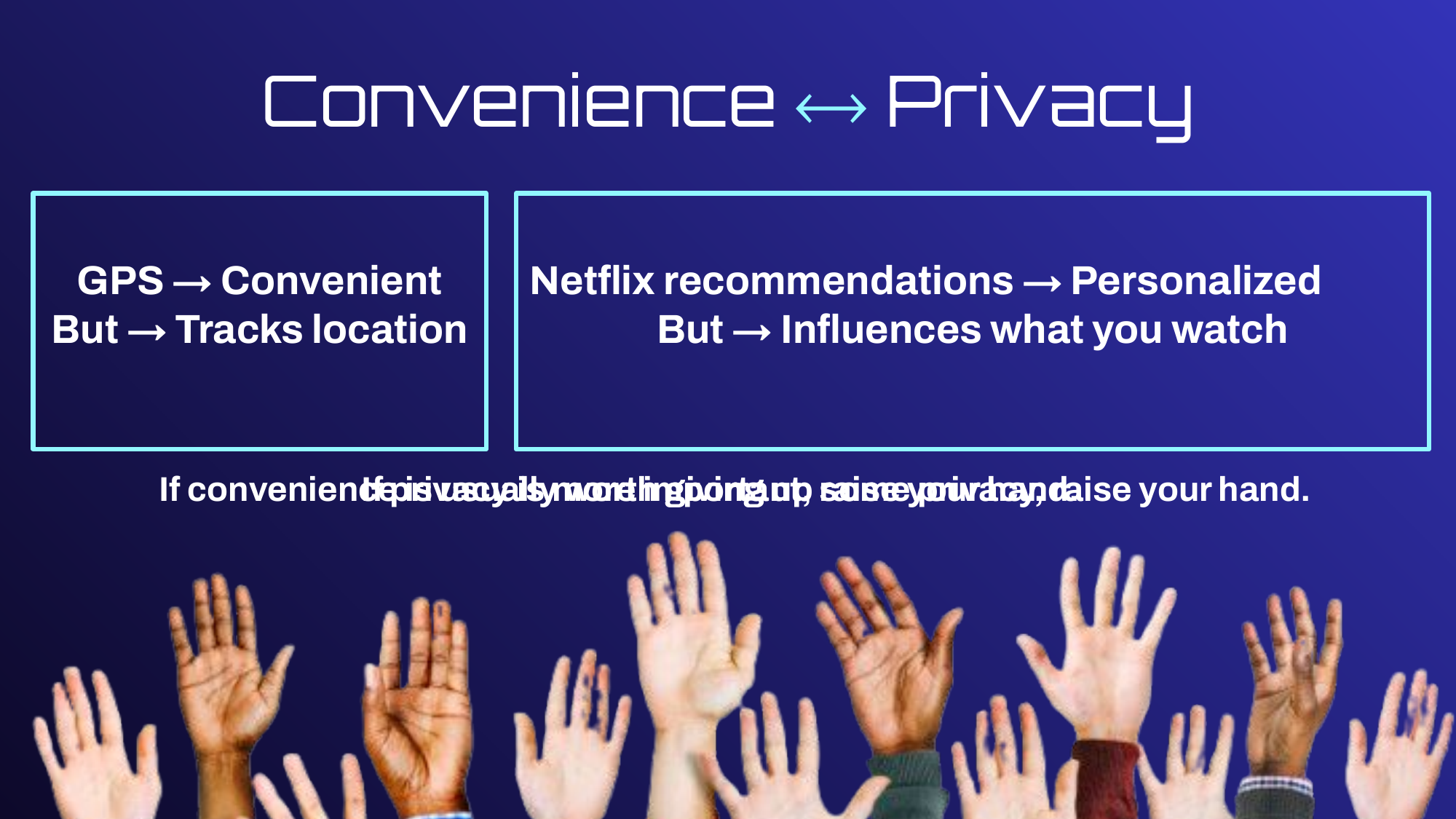
Check out a smattering of screenshots from the lessons’ slides shows below.
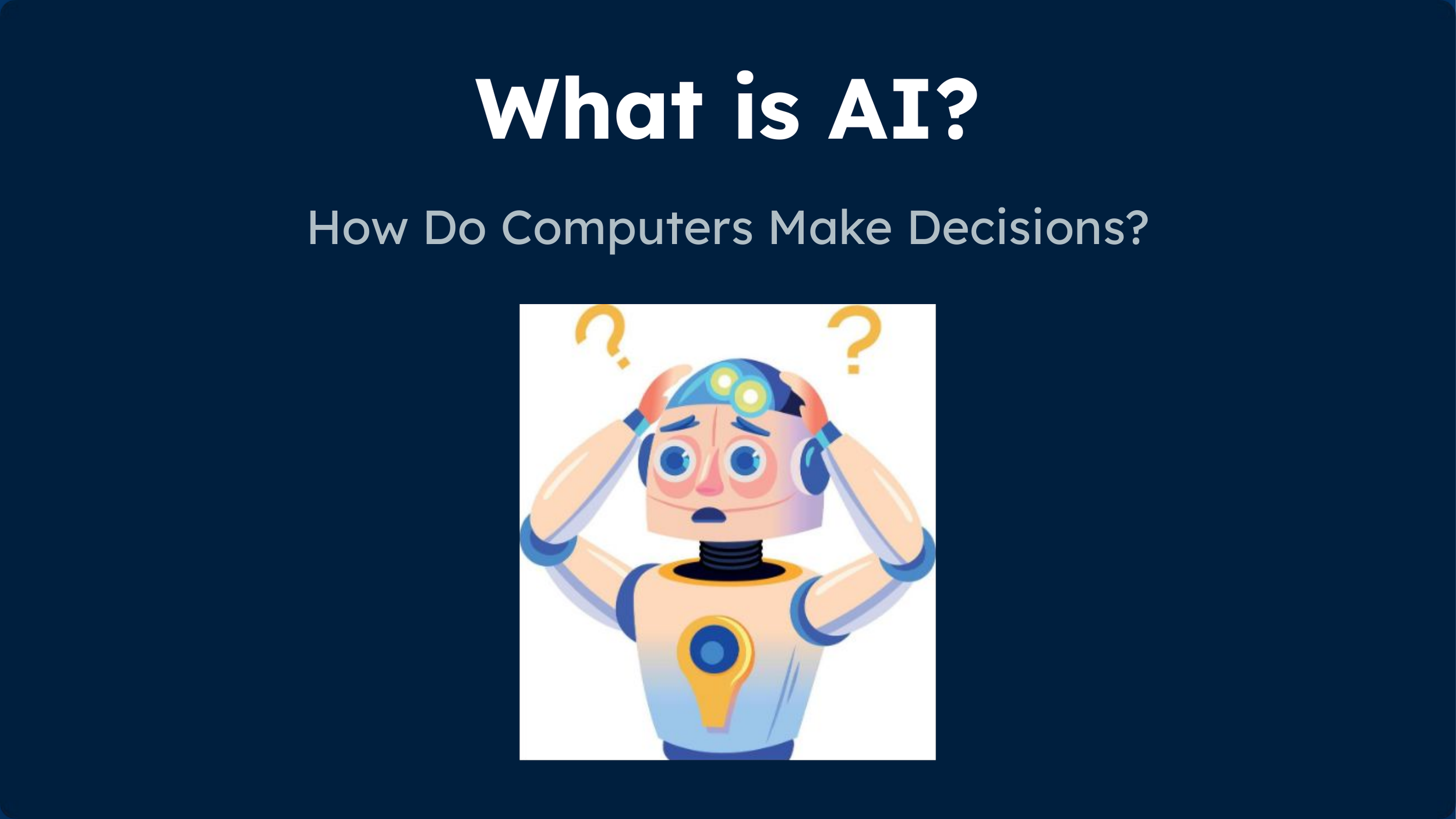
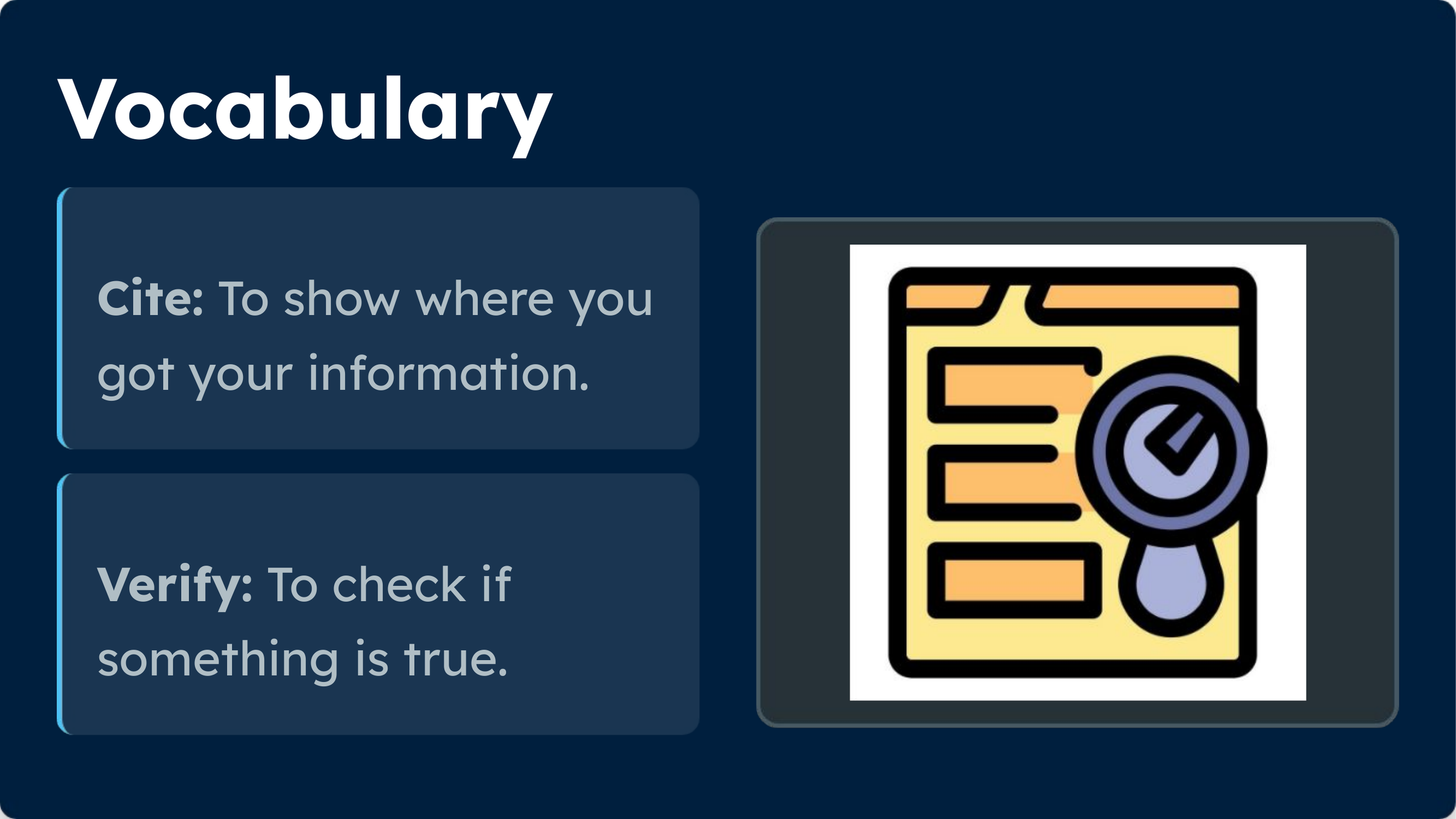
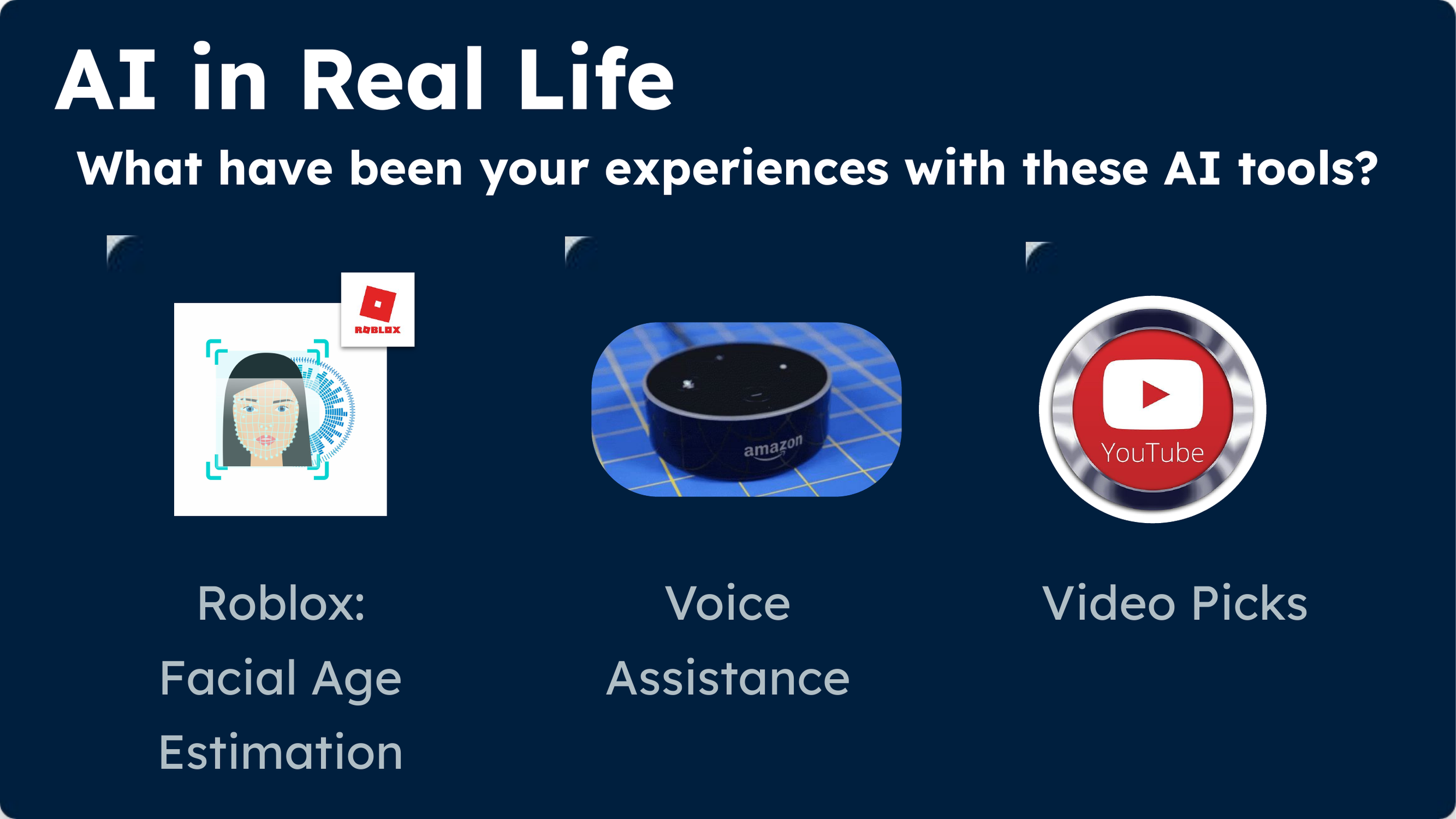
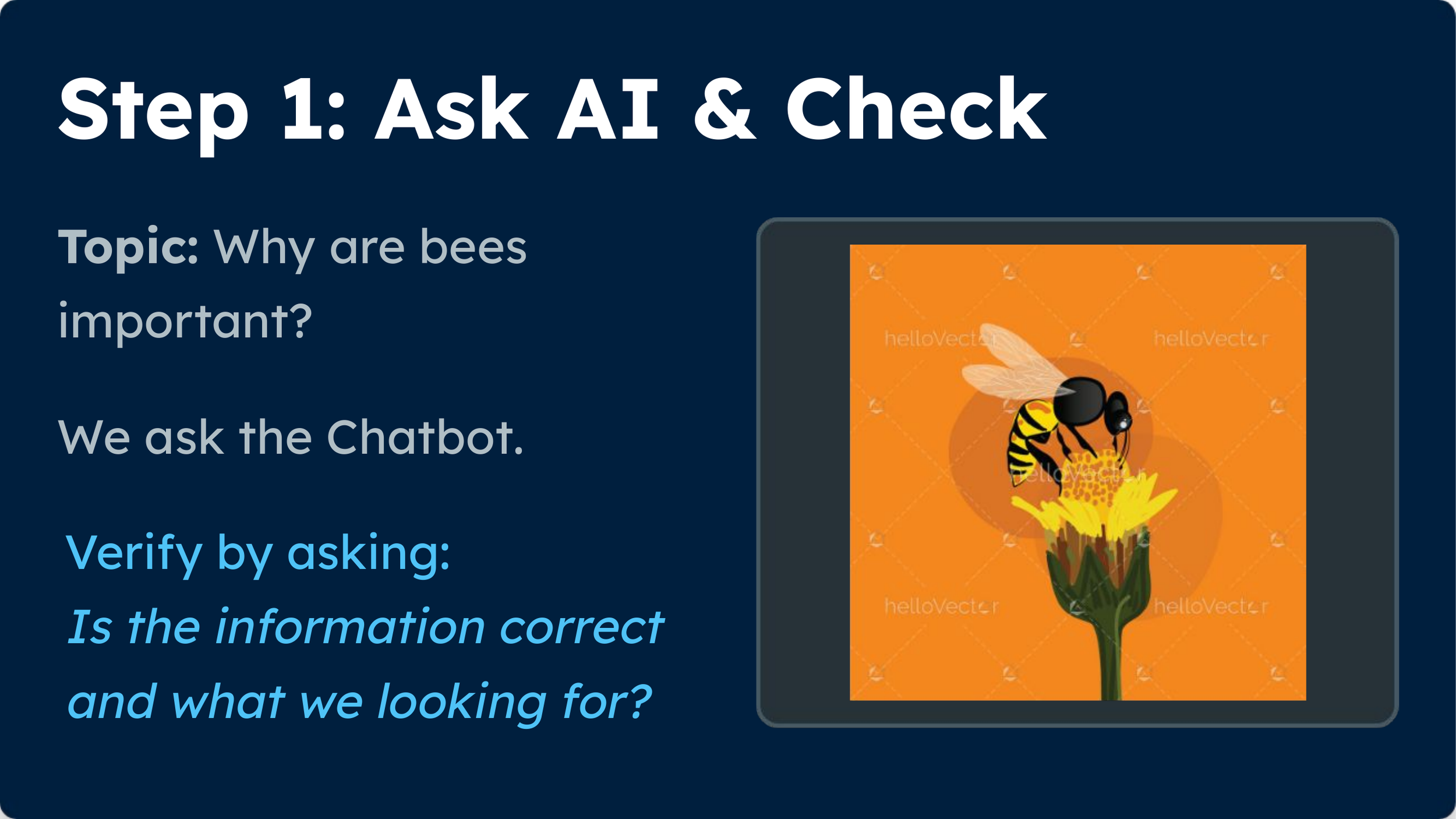
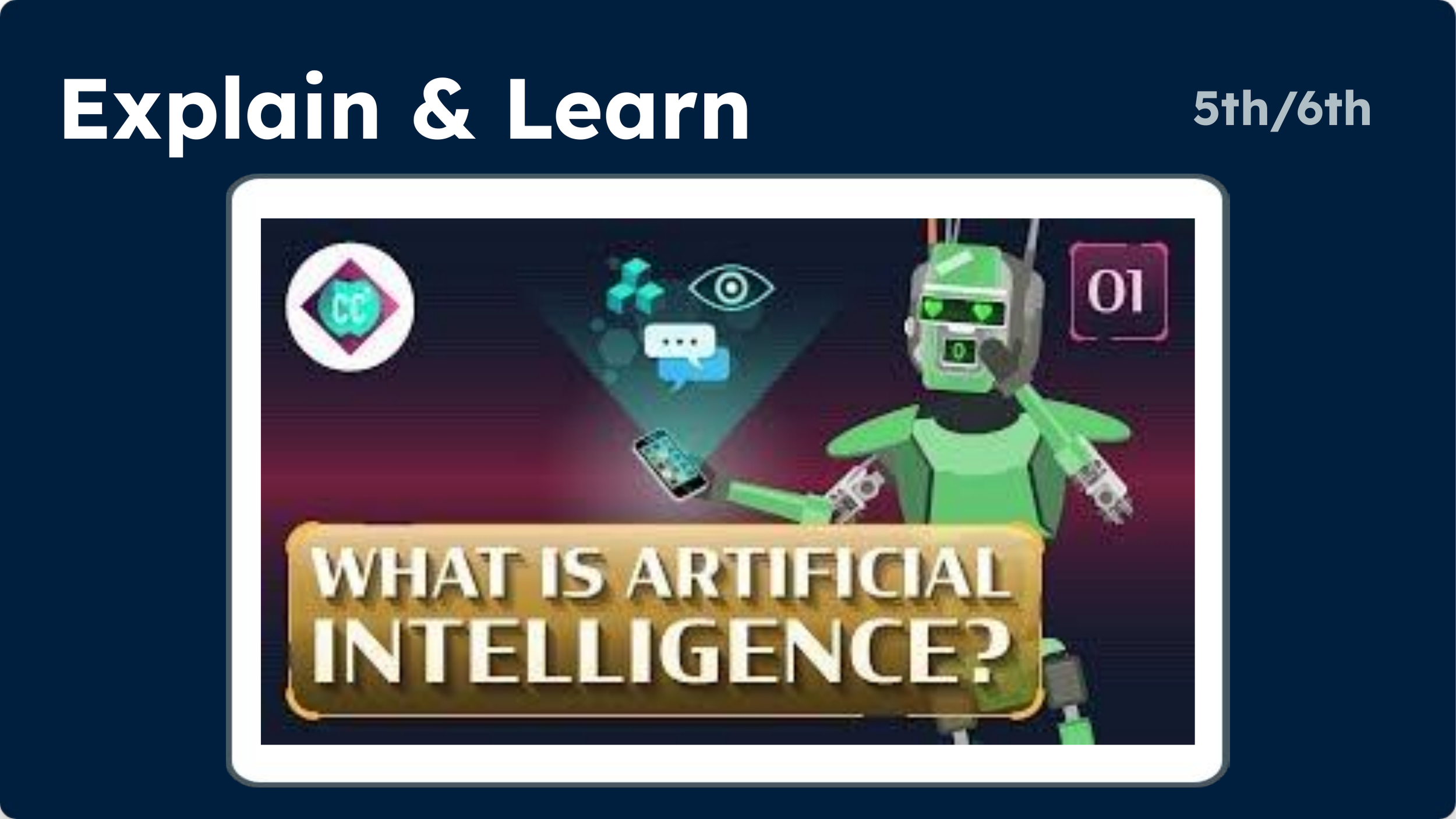
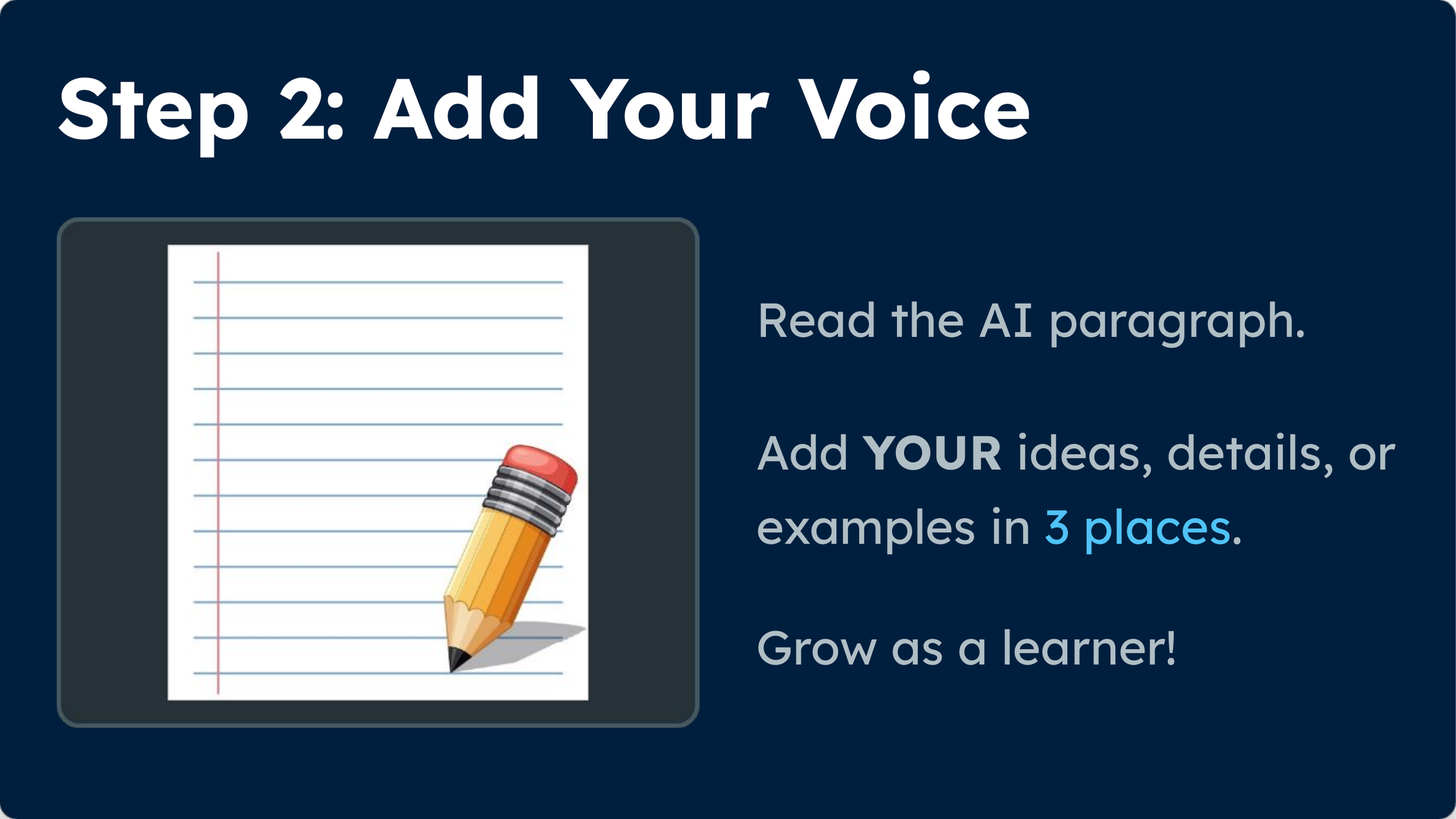
Here’s a spreadsheet I made with help of AI that shows you an overview of the lessons.
The work at Pleasant Valley offers a practical example of getting AI literacy started without waiting for every policy or technology decision to be settled. Give students opportunities to explore how AI works, question what it produces, and think about the consequences of using it. Those skills will matter regardless of which AI tools students encounter next.
This post was drafted by ChatGPT based on my notes, presentation transcript, and the lesson materials.