Google URL Tricks Made Easy
Years ago I wrote Google URL Tricks, and it’s still one of the most popular pages on my site. I end up referring to it myself all the time.
The trick is simple: tweak the shareable link of a Google Doc, Sheet, Slide, or Drawing, and you can share it in a completely different way. You can create a clutter-free preview, make visitors create their own copy, turn a document into a PDF download, and more.
Editing Google URLs by hand works, but the exact patterns are easy to forget or mistype. So I built a tool that does it for you. Paste in a shareable Google Drive link, click the format you want, and the new link lands on your clipboard automatically.
I’m calling it Linking in Hand. 😉
I coded Linking in Hand with Claude and hosted it on Teacher Hive, my platform for creating and sharing teacher-made web apps. It’s a good example of something I’ve been enjoying lately: using AI to build a small tool that solves a very specific problem, then putting it somewhere that makes it easy to share and use.
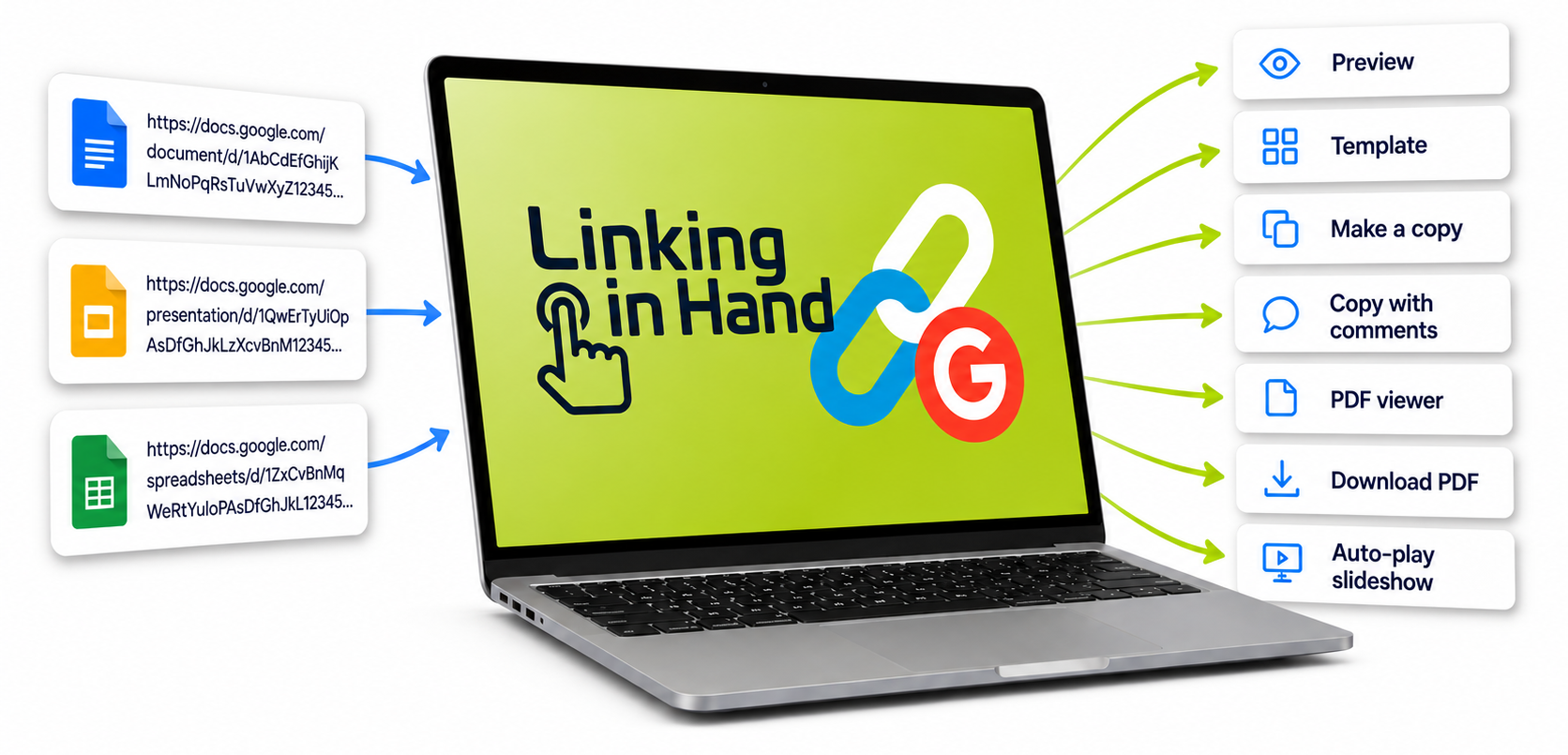
Paste a Google Docs, Sheets, Slides, or Drawings link, and Linking in Hand can make these kinds of links for you:
Preview — a clean, read-only view with no editing toolbar
Make a Copy — sends visitors to a screen where they can make their own copy
Copy with Comments — same as above, but keeps your existing comments in the new copy
Template — a preview with a Use Template button, so every visitor gets a fresh copy
PDF Viewer — opens your file’s PDF version in Google’s built-in viewer, handy for embedding
Download PDF — a direct link that downloads the file as a PDF
Auto-play Looping Slideshow — a self-playing, full-screen slideshow
Give Linking in Hand a try!
I’ve bookmarked Linking in Hand so I have it handy the next time I want to make a Template Link or PDF Viewer Link. (Those are the ones I always forget.)
Feel free to bookmark it for yourself, too.