
Turn what you teach into something students want to be part of with punchy lesson titles, catchy slogans, eye-catching visuals, and bold designs. Use AI to quickly generate names, taglines, logos, and graphics that make your units more memorable. No design skills required, just your ideas and a few smart prompts. You’ll leave with ready-to-use examples and a simple process you can start using right away.
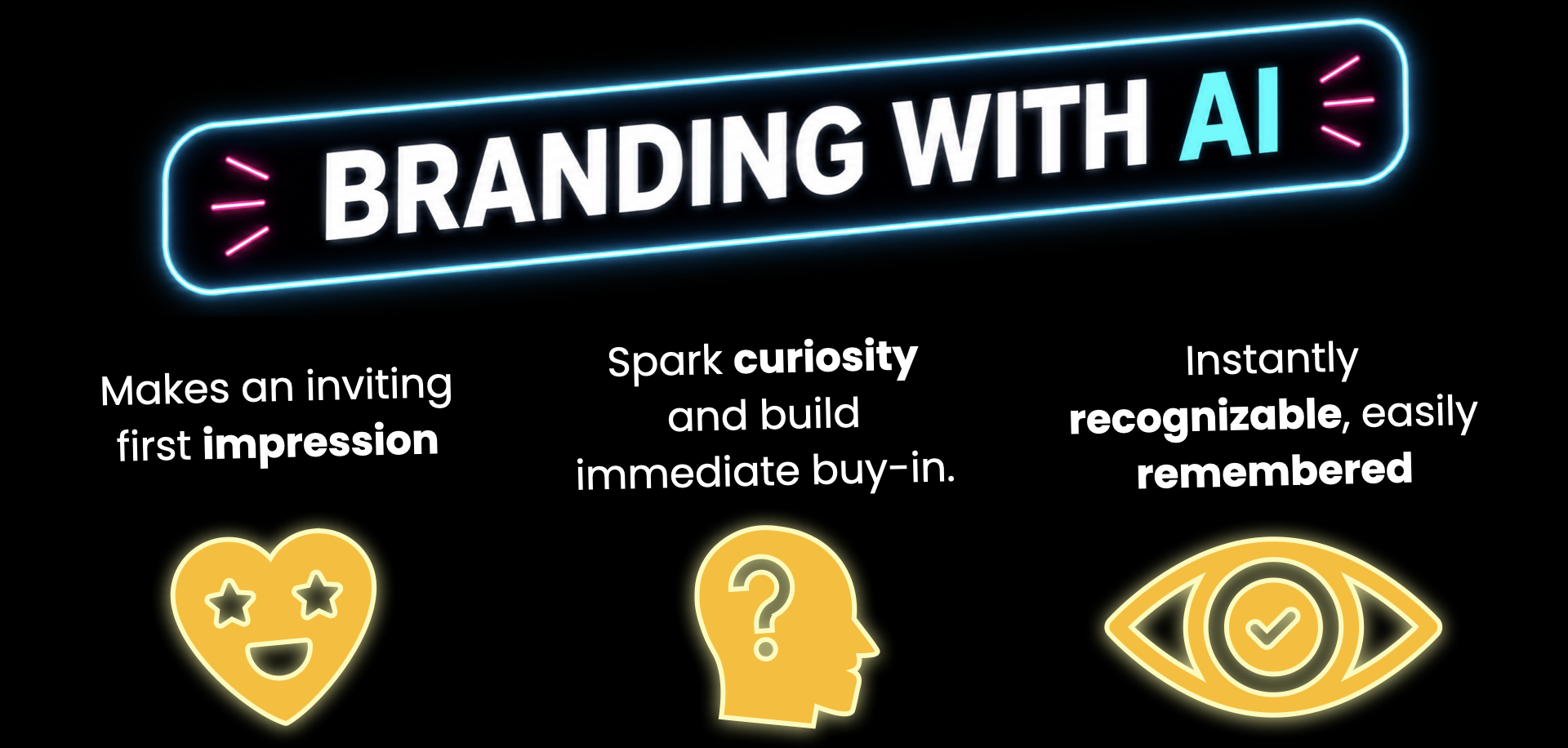
The Science of Catching Attention
According to Hidi and Renninger's Four-Phase Model of Interest Development, interest often begins with Triggered Situational Interest.
Before students engage deeply with content, something in the environment needs to capture their attention. Novelty, surprise, and other attention-grabbing elements can spark this initial interest.
A lesson's name, slogan, and logo can act as the initial "catch," using novelty to break routine and invite curiosity.

THE NAME AND SLOGAN
Act as a creative educational designer. I am teaching a unit on to students. Give me 3 options for a punchy unit name (up to 5 words max) and a catchy slogan for each that will trigger student curiosity.
THE LOGO
My chosen unit name is . Act as an expert AI image prompt engineer and write 5 distinct image generation prompts that I can copy and paste directly into an AI image generator to create a logo for this unit. Follow these strict rules for every prompt option: keep it short and descriptive, use style keywords like “vector icon”, “flat design”, “minimalist”, and “clean solid background”, focus on a single clear central object, and explicitly include negative keywords like “no text, no words, no letters, no realistic photographic details” so the logo is clean and usable on classroom materials.
THE COLORS AND FONTS
Act as a professional graphic designer. Look at the uploaded unit logo and generate a cohesive, high-contrast visual theme for my classroom materials based entirely on its style and colors. Give me: 1) A palette of 3 colors that perfectly match or complement the logo, listed by both their descriptive names and their exact Hex codes, and 2) One clean font pairing (one bold font for slide headers and one highly readable font for body text) that fits the vibe of the logo, ensuring both fonts are completely free and available to download from fonts.google.com. Keep the response short, clear, and ready to use.
Animate your logo using Gemini Pro (requires paid subscription). Video are 10 seconds long.
Open a new Gemini Chat.
Click Tools in the chat box and choose Video.
Upload your logo to the chat box.
Enter a prompt that instructs Gemini how to animate.
Animate your logo using Canva. Video are 5 seconds long.
Upload your logo to Canva.
Open the logo in a new design.
With logo selected, click Edit in the top toolbar.
Select Image to Video.
Choose Smart or Custom and click Generate.