|
It’s a fun one. Come see what’s new in Learning in Hand! ͏ ͏ ͏ ͏ ͏ ͏ ͏ ͏ ͏ ͏ ͏ ͏ ͏ ͏ ͏ ͏ ͏ ͏ ͏ ͏ ͏ ͏ ͏ ͏ ͏ ͏ ͏ ͏ ͏ ͏ ͏ ͏ ͏ ͏ ͏ ͏ ͏ ͏ ͏ ͏ ͏ ͏ ͏ ͏ ͏ ͏ ͏ ͏ ͏ ͏ ͏ ͏ ͏ ͏ ͏ ͏ ͏ ͏ ͏ ͏ ͏ ͏ ͏ ͏ ͏ ͏ ͏ ͏ ͏ ͏ ͏ ͏ ͏ ͏ ͏ ͏ ͏ ͏ ͏ ͏ ͏ ͏ ͏ ͏ ͏ ͏ ͏ ͏ ͏ ͏ ͏ ͏ ͏ ͏ ͏ ͏ ͏ ͏ ͏ ͏ ͏ ͏ ͏ ͏ ͏ ͏ ͏ ͏ ͏ ͏ ͏ ͏ ͏ ͏ ͏ ͏ ͏ ͏ ͏ ͏ ͏ ͏ ͏ ͏ ͏ ͏ ͏ ͏ ͏ ͏ ͏ ͏ ͏ ͏ ͏ ͏ ͏ ͏ ͏ ͏ ͏ ͏ ͏ ͏ ͏ ͏ ͏ ͏ ͏ ͏ ͏ ͏ ͏ ͏ ͏ ͏ ͏ ͏ ͏ ͏ ͏ ͏ ͏ ͏ ͏ ͏ ͏ ͏ ͏ ͏ ͏ ͏ ͏ ͏ ͏ ͏ ͏ ͏ ͏ ͏ ͏ ͏ ͏ ͏ ͏ ͏ ͏ ͏ ͏ ͏ ͏ ͏ ͏ ͏ ͏ ͏ ͏ ͏ ͏ ͏ ͏ ͏ ͏ ͏ ͏ ͏ ͏ ͏ ͏ ͏ ͏ ͏ ͏ ͏ ͏ ͏ ͏ ͏ ͏ ͏ ͏ ͏ ͏ ͏ ͏ ͏ ͏ ͏ ͏ ͏ ͏ ͏ ͏ ͏ ͏ ͏ ͏ ͏ ͏ ͏ ͏ ͏ ͏ ͏ ͏ ͏ ͏ ͏ ͏ ͏ ͏ ͏ ͏ ͏ ͏
|
Issue 68 • Date October 7, 2026
|
|
There’s a great deal of fun packed into this issue. We’ve got words that disappear, letters that wiggle, apps that haunt, and AI that occasionally makes a mess. Sounds like fun to me! Unfortunately, it's not all fun and games. Google is discontinuing a popular tool. But there’s plenty of happy stuff ahead, too.
|
|
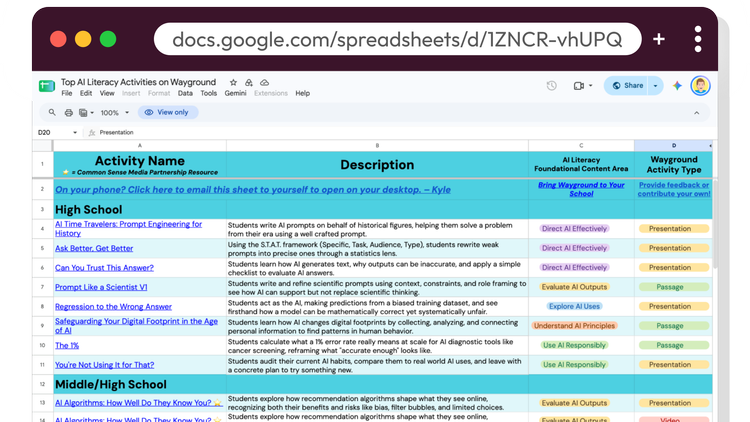
Wayground offers AI literacy activities for elementary, middle, and high school students. Topics include: Activities come in four formats: Presentation: Explore interactive slides, answer questions, and participate in polls and activities. Passage: Read a text and answer comprehension questions. Video: Watch videos and answer questions along the way. Assessment: Answer quiz and test questions to demonstrate understanding.
Explore the spreadsheet featuring nearly 60 AI literacy activities.
|
|
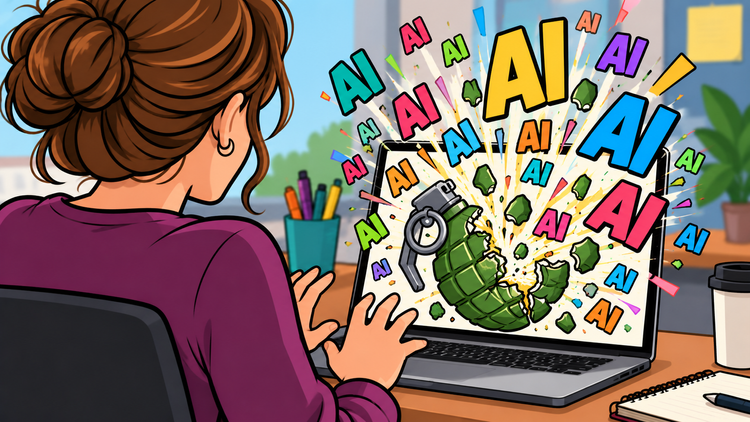
AI has introduced us to new vocabulary, from hallucinations (when AI makes things up) to context rot (when a conversation gets too cluttered). Then there’s slop, a term for low-quality, often AI-generated content. Lately, young people have been using the phrase “That's so AI” as a put-down for things that feel fake, flimsy, or phony, even when AI had nothing to do with them. And I just learned a new term: slop grenade. It's a wonderfully vivid name for AI-generated work passed along without much thought or review. The recipient gets to sort through the mess and figure out what's actually useful.
|
|
Think of a colleague sharing a five-page AI-generated report when all you needed was a quick summary, a teacher handing students a worksheet packed with generic AI-generated questions, or a committee member submitting pages of AI-written ideas without sorting through them first. I hope you don't lob slop grenades at your colleagues, families, or students! And I hope you aren't on the receiving end of one, either. They're no fun!
|
|
You know what else is not fun? When Google discontinues a product you’ve been using. Last week, Google announced it’s discontinuing Gemini Gems. For education accounts, Gems will be discontinued no sooner than June 1, 2027. Google is replacing Gems with Skills. The problem is that Skills don't seem to offer the same student experience: teachers build an experience and share it with students. Skills don't seem designed to be locked, teacher-assigned activities. I suspect Google will push these kinds of experiences toward Gemini Notebook and Guided Learning in Google Classroom. But the transition won't be fun. Google says you can recreate your Gems as Skills, and its Gems and Skills Transition Guide explains how to make the switch.
|
|
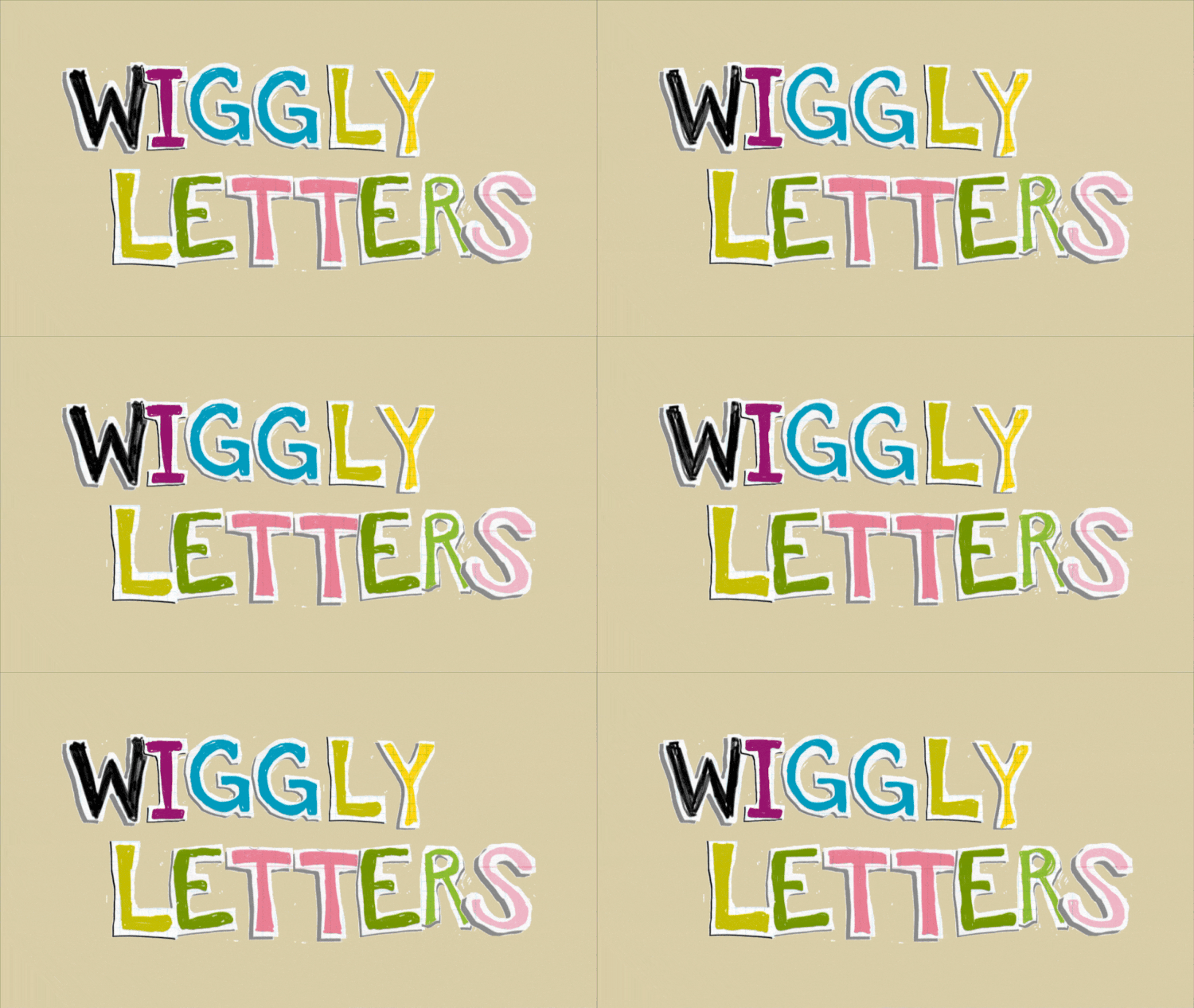
That’s enough of the no-fun items. Let’s get back to fun! Add movement and whimsy to your slides with wiggly letters! Nicole Dalesio designed an alphabet that moves, with each letter as its own animated GIF. Simply copy letters from Nicole’s Google Slides and paste them into your own slideshow. Hot Tip #1: Want to change the look? Select the letters, then go to Format → Format options → Recolor and choose a color. Hot Tip #2: Not using Google Slides? Go to File → Download → Microsoft PowerPoint (.pptx). Then open the file in PowerPoint, Keynote, or Canva and copy the letters from there.
|
|
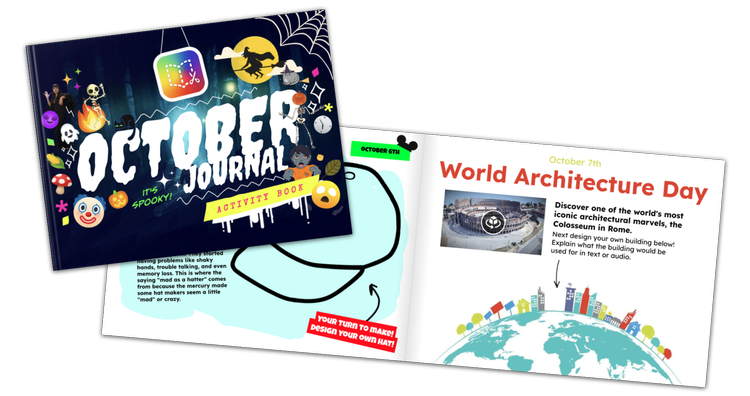
Students can have fun with Book Creator’s October Activity Journal! It’s packed with October-themed interactive and creative activities that help students explore what makes the month unique. For example, October 7 is World Architecture Day. The journal features a 3D model of the Colosseum in Rome, Italy. Use your mouse or finger to pan and zoom to explore the ancient landmark!
|
|
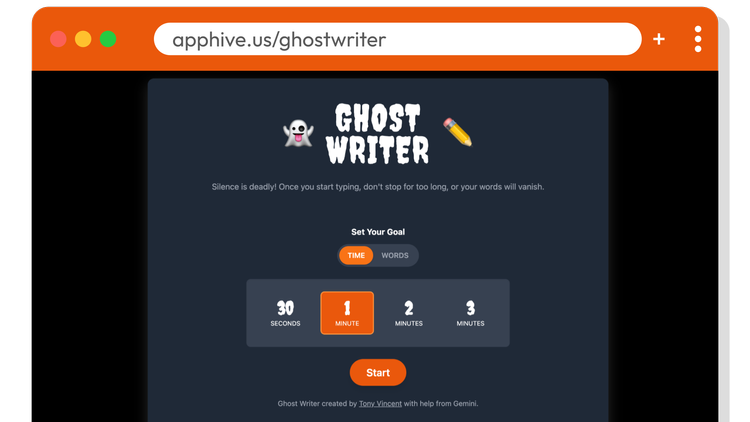
I built Ghost Writer, a web-based writing tool designed to keep ideas flowing. The catch? Stop typing, and your words start disappearing. Set a time or word-count goal, start writing, and keep going until you reach it. Meet your goal, and you can copy your writing. Stop for too long, and it’s gone. Ghost Writer was inspired by The Most Dangerous Writing App. I wanted something with shorter, more flexible goals that could work with elementary students, so I built my own with Gemini’s help. Teachers can use Ghost Writer for all kinds of quick writing: Warm-up: What do you already know about today’s topic? Observation: What do you notice in this image, experiment, or demonstration? Reflection: What’s one thing you understand now that you didn’t before? Creative spark: What happens next in this story? Brainstorm: How many ideas can you generate in two minutes?
Because students can't pause for long, Ghost Writer also makes it harder to copy and paste AI-generated text. The goal isn't polished writing. It's getting ideas out of your head and onto the screen. Ghost Writer is a pure HTML app. It collects no data, and student writing stays on the device unless students copy and paste it elsewhere. I recently updated it to work better on iPads and phones.
|
|
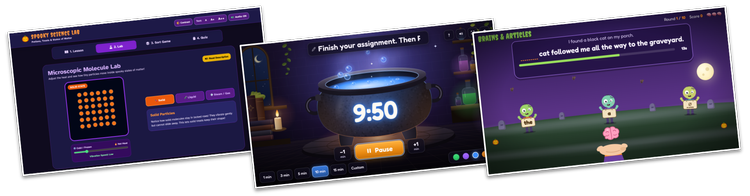
Zombies and parts of speech? A timer above a bubbly cauldron? A spooky laboratory in which to study the states of matter? These apps and several more built by teachers have been added to Teacher Hive as part of the Halloween App Challenge. The challenge runs through October 18, and five app authors will be named finalists. Each finalist receives stickers and a keychain. A random drawing will determine the grand-prize winner, who also gets a year of Teacher Hive Pro. Whether you enter or not, you'll find apps you can use this month in the collection of Halloween- and fall-themed apps. Browse the Halloween collection and learn about the challenge.
|
|
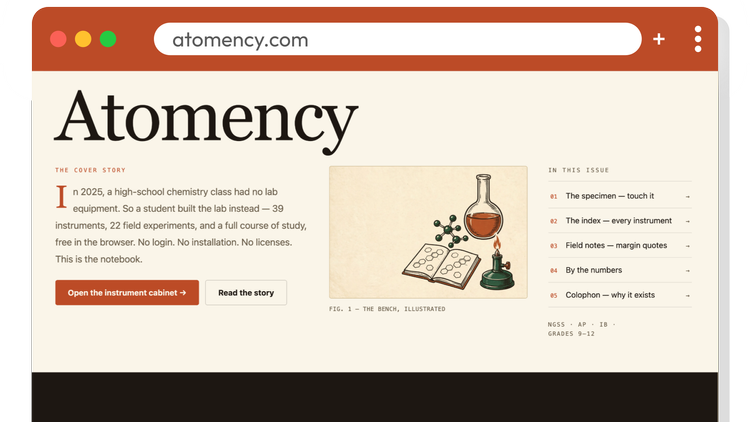
Teachers aren’t the only ones building apps. Ky’lin Spears, a 17-year-old high school senior from Maryland, developed Atomency, a free website for learning chemistry. Ky’lin’s school didn’t have lab equipment, and he was struggling to visualize chemistry concepts. He started working on Atomency last year. It has now grown to include an interactive periodic table with all 118 elements, a molecule builder with live VSEPR geometry, 39 simulations, 22 guided virtual labs, acid-base and pH tools, and stoichiometry. That’s an impressive project for anyone, let alone a high school student. And I suspect Ky’lin understands those chemistry concepts much better because he built tools to help himself visualize them. Now those tools can help other students, too. We’re talking about vibe coding with students in the Teacher Hive community. I shared some of what I’ve done with fifth graders, Wendy Cornyn shared her three-phase vibe coding progression, and Brian Briggs offered some words of caution.
|
|
We’ve covered a great deal in this issue! It seems like Amazon Prime Days come around more often than they used to. Sure enough, today is one of them! If you don't have an Amazon Prime subscription, you can use my affiliate link to get a free 30-day trial. Cancel anytime. Maybe you can find another great deal today. 😉 Smiles from Iowa,
|
|
Subscribe at learninginhand.com AI gave me a hand with brainstorming, drafting, and polishing this issue. Of course, I reviewed and adjusted everything before sharing it with you. Let's learn together. Bring me to your school, district, or conference. Reply to this email and let’s talk.
|
|
|
|